jekyll 포스팅 튜토리얼
Jekyll Chripy template을 사용해 포스팅하는 튜토리얼입니다.
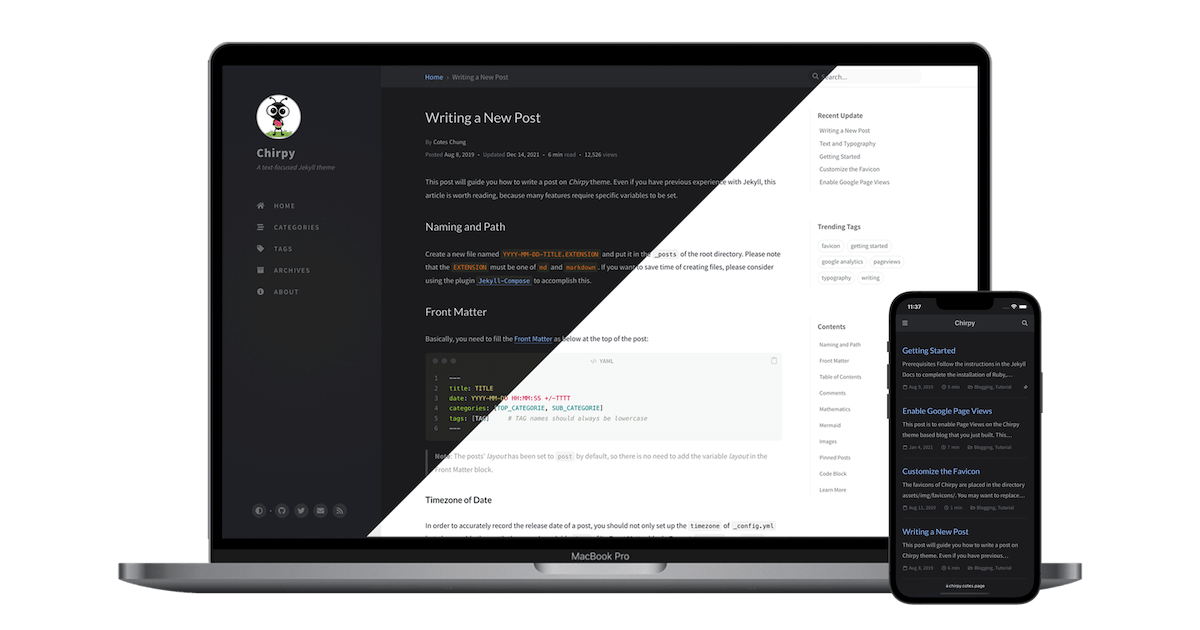
Chripy template Tutorial
그냥 제가 나중에 필요할 때 보려고 포스팅합니다.
Naming
마크 다운 이름은 반드시 yyyy-mm-dd-title.md 형식으로 작성합니다.
Front Matter
md 파일 제일 위에 Front Matter를 삽입합니다.
1
2
3
4
5
6
7
8
9
---
title: TITLE
description: Short summary of the post.
comments: true/false
toc: true/false
date: YYYY-MM-DD HH:MM:SS +/-TTTT
categories: [TOP_CATEGORIE, SUB_CATEGORIE]
tags: [TAG]     # TAG names should always be lowercase
---
예시 :
1
2
3
4
5
6
7
8
9
---
title: Test Page
description: Short summary of the post.
comments: true
toc: false
date: 2024-06-18 13:20:00 +09:00
categories: [Animal, Cat]
tags: [cat, cute]     # TAG names should always be lowercase
---
Preview Image
만약 preview 이미지를 넣고 싶으면 다음을 추가합니다.
1
2
3
4
5
---
image:
  path: /path/to/image
  alt: image alternative text
---
Pinned Post
Post를 고정하고 싶으면 다음을 추가합니다.
1
2
3
---
pin: true
---
Mathematics
수식을 사용하려면 math option을 true 로 바꿔줍니다.
1
2
3
---
math: true
---
Mermaid
Mermaid diagram tool을 이용하려면 Mermaid option을 true 로 바꿔줍니다.
1
2
3
---
mermaid: true
---
Image
Default (with caption)
1
2
{: w="700" h="400" }
_Image Caption_
position
디폴트는 {: .normal }이지만, {: .left}, and {: .right}.를 사용해 이미지의 위치를 바꿀 수 있습니다.
1
{: width="972" height="589" .w-50 .left}
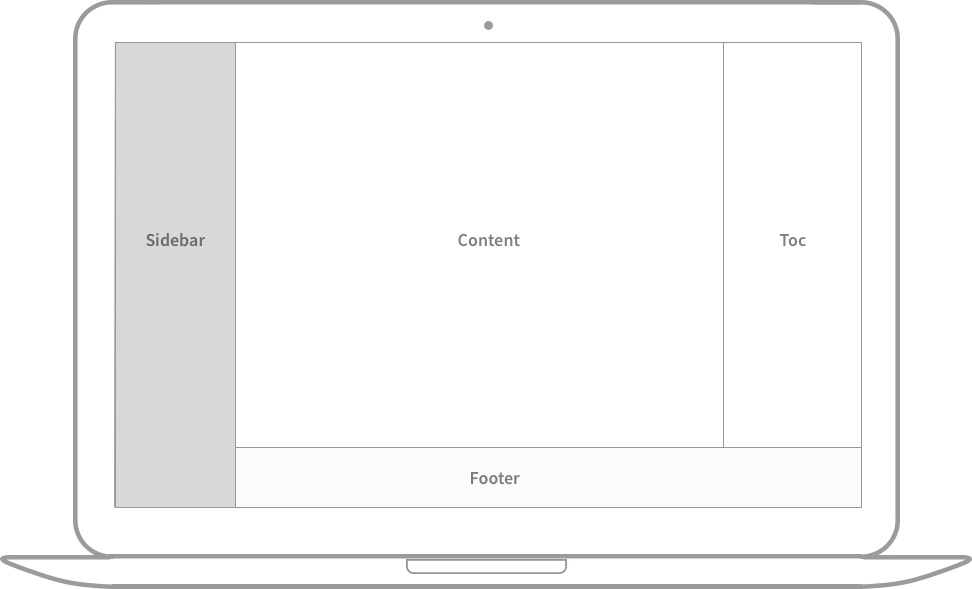 Full screen width and center alignment
Left aligned
Float to left
Praesent maximus aliquam sapien. Sed vel neque in dolor pulvinar auctor. Maecenas pharetra, sem sit amet interdum posuere, tellus lacus eleifend magna, ac lobortis felis ipsum id sapien. Proin ornare rutrum metus, ac convallis diam volutpat sit amet. Phasellus volutpat, elit sit amet tincidunt mollis, felis mi scelerisque mauris, ut facilisis leo magna accumsan sapien. In rutrum vehicula nisl eget tempor. Nullam maximus ullamcorper libero non maximus. Integer ultricies velit id convallis varius. Praesent eu nisl eu urna finibus ultrices id nec ex. Mauris ac mattis quam. Fusce aliquam est nec sapien bibendum, vitae malesuada ligula condimentum.
Float to right
Praesent maximus aliquam sapien. Sed vel neque in dolor pulvinar auctor. Maecenas pharetra, sem sit amet interdum posuere, tellus lacus eleifend magna, ac lobortis felis ipsum id sapien. Proin ornare rutrum metus, ac convallis diam volutpat sit amet. Phasellus volutpat, elit sit amet tincidunt mollis, felis mi scelerisque mauris, ut facilisis leo magna accumsan sapien. In rutrum vehicula nisl eget tempor. Nullam maximus ullamcorper libero non maximus. Integer ultricies velit id convallis varius. Praesent eu nisl eu urna finibus ultrices id nec ex. Mauris ac mattis quam. Fusce aliquam est nec sapien bibendum, vitae malesuada ligula condimentum.
Shadow
{: .shadow } 로 그림자 옵션을 추가할 수 있습니다.
1
{: .shadow }
Footnote
[^FOOTNOTE NAME]을 이용해 Foot note 작성가능합니다.
예시:
1
2
Click the hook will locate the footnote[^footnote], and here is another footnote[^fn-nth-2].
Footnote name can be anything![^f3]
출력 결과 :
Click the hook will locate the footnote1, and here is another footnote2. Footnote name can be anything!3
Prompts
Prompt type
prompt-{type} 를 이용해 prompt 타입을 바꿀 수 있습니다. type에는 tip, info, warning, and danger 가 있습니다.
1
2
> Example line for prompt.
{: .prompt-info }
예시 :
An example showing the
tiptype prompt.
An example showing the
infotype prompt.
An example showing the
warningtype prompt.
An example showing the
dangertype prompt.
Description list
- Sun
- the star around which the earth orbits
- Moon
- the natural satellite of the earth, visible by reflected light from the sun